
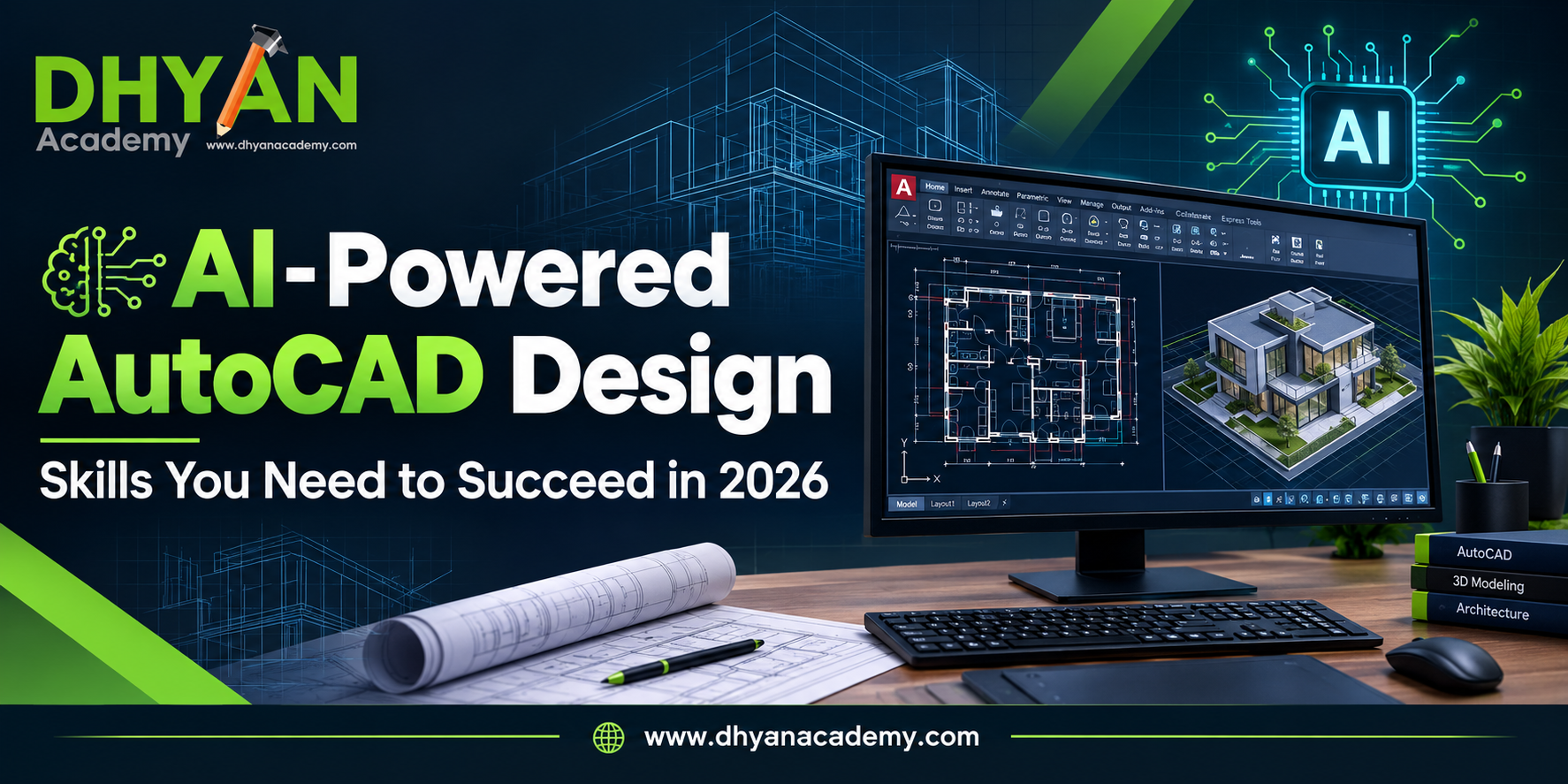
The design and construction industry is undergoing rapid change with the use of Artificial Intelligence (AI), automation, and sophisticated CAD applications. Even in 2026, AutoCAD remains one of the most significant software applications in the field of architecture, civil engineering, mechanical engineering, interior designing, and design fields altogetherFor the students and professionals willing to make a career in the field of design and engineering, it is beneficial to learn AutoCAD with AI technologies. The knowledge about the technical drawings and drafting, along with modern CAD tools, is an important step towards being ready for the industry.
If you are looking for AutoCAD training in Hyderabad, then Dhyan Academy can assist you in gaining basic knowledge and skills required for starting with CAD.
These technologies can help professionals automate repetitive tasks, identify potential errors, explore design alternatives, and improve productivity.
Traditional AutoCAD workflows require users to create and modify drawings through commands, layers, dimensions, and drafting tools. For example, AI-enabled tools may assist with repetitive drafting operations, drawing analysis, design optimization, and documentation, depending on the software and features available.
What Is AI-Powered AutoCAD Design?
However, AI does not eliminate the need for technical knowledge. Professionals must still understand engineering principles, drawing standards, measurements, and design requirements to evaluate the results accurately.
Why AutoCAD Skills Matter in 2026
AutoCAD is still popular when it comes to making 2D drawings and even working with 3D designs. It proves to be useful in multiple industries like construction, architecture, manufacturing, infrastructure, and interior design.
Here are some of the reasons why knowing AutoCAD in 2026 still counts.
1. Higher Demand for Digital Design Skills
The majority of firms now use digital drawings and technical specifications when making their plans and communicating about them. People who are able to create accurate drawings and understand specifications will be very helpful here.
2. Higher Productivity Due to Automation
Using automation will help one spend less time on tedious tasks of drafting. Using good AutoCAD basics together with those will let one concentrate more on accuracy and design.
3. Career Possibilities In Many Industries
Having AutoCAD expertise can help one explore career possibilities in the fields of architectural drafting, civil engineering, mechanical drafting, interior design, among others. It depends on the person’s level of education and experience.
4. The Base For Other Design Techniques
By learning AutoCAD, one can lay a base for further studying of other programs, which include BIM tools, software for 3D modeling, and AI design platforms. Professionals may gradually improve their technical skills depending on industry needs.
Top Skills You Should Have To Be Successful at AI-Powered AutoCAD Design
To be successful in the design field today, one should have basic drafting skills combined with digital competencies and problem-solving skills.
1. Basics of AutoCAD
The first step one should take when starting to learn about AI-powered AutoCAD is to know the basics of this program. The novice user should familiarize himself/herself with the working environment and the way of drawing, selection, modification of objects, and work with files.
Important points to consider are:
- Draw lines, circles, arcs, geometric figures.
- Use Trim, Extend, Offset, Move, Copy, and Rotate commands.
- Understand the concept of layers, types of lines and objects’ attributes.
- Create dimensions and annotations.
- Work
2. 2D Drafting and Technical Drawing
Strong 2D drafting skills are essential for many AutoCAD-related roles. Professionals must understand how to represent objects, structures, and components through clear and accurate drawings.
Learners should practise floor plans, elevations, sections, mechanical components, and other drawings relevant to their chosen industry.
They should also become familiar with dimensioning, symbols, drawing conventions, and technical documentation standards. The ability to interpret existing drawings is just as important as creating new ones.
3. 3D Modelling Knowledge
Although 2D drafting remains important, 3D modelling can help professionals understand object geometry and visualize designs from different perspectives.
AutoCAD includes tools for creating and modifying 3D objects. Learners can develop skills in solid modelling, surface modelling, viewing, and basic visualization.
These capabilities are useful for understanding product components, architectural elements, and other design concepts. Depending on the target career, learners may also benefit from studying specialized 3D modelling or BIM software.
4. AI and Automation Awareness
In 2026, designers should understand how AI and automation can support their work. This does not mean that every AutoCAD professional must become an AI programmer.
Instead, learners should explore how intelligent tools can assist with repetitive tasks, design reviews, documentation, and workflow optimization.
Skills that will be useful are:
- Determining which tasks could be automated.
- Knowledge of AI assisted designing capabilities offered by the particular software.
- Checking AI proposed solutions for technical accuracy.
- Basic scripting/customization, where necessary.
- Awareness of limitations of automatic designing outputs.
5. Accuracy and Attention to Details
Even a minor mistake in drafting could result in misunderstanding, redoing, or even serious complications in carrying out the project. It is essential for the designers to be attentive to the dimensions, alignment, scale, tolerances, and consistency of drawings.
Real-world drafting practice allows developing accuracy and confidence in learners. They should also be trained to check their works prior to submission of drawings.
6. Problem-Solving and Design Thinking
The work of the designer is not limited to the use of software capabilities. The professionals have to know the requirements for the project, comprehend instructions, and see possible pitfalls.
For instance, the architectural draftsman has to change the floor plan because of the change in the design, and the mechanical draftsman has to alter the component drawing and keep the necessary dimensions.
Problem-solving skills development contributes to better
7. Communication and Collaboration
Design professionals interact with engineers, architects, contractors, project managers, and customers. Proper communication will facilitate ensuring that drawings satisfy the needs of the project.
It is important for learners to develop skills to organize drawing files, name layers consistently, prepare documentation and incorporate feedback into the changes.
Professional communication and collaboration may become significant benefits when applying for jobs as an advantage.
Career Opportunities After Learning AutoCAD
Learning AutoCAD can enable learners to prepare for different careers depending on their level of education and specializations.
Possible careers:
- AutoCAD Drafter
- CAD Technician
- Architectural Draftsman
- Civil CAD Drafter
- Mechanical CAD Drafter
- Interior Design Drafting Assistant
- Junior Design Technician
Additional criteria may be required for some jobs in addition to knowledge of AutoCAD.
Job applicants can make their profiles stronger by creating a portfolio which includes samples of floor plans, technical drawings, detailed designs or 3D modeling. Practical projects show the ability to use software knowledge in the real designing task.
After gaining practical experience, professionals can consider specializing in certain directions such as BIM, modeling and so on.
Choosing the Best AutoCAD Training Program in Hyderabad
The best way to gain practical designing knowledge and skills as a beginner is through joining the right training program.
Consider the following tips when making your choice:
- Practical training: The best choice will be a training program where there are exercises in addition to theoretical knowledge.
- Comprehensive curriculum: Make sure that the course has all essential commands, layers, dimensions, layouts, and other technical drawing concepts.
- Project experience: Consider training that allows one to draw as per actual design needs.
- Guidance: Practical training will ensure that you understand complex commands and make no mistakes.
- Future orientation: Find out whether the course gives you relevant automation knowledge and how AutoCAD skills can be applied to other design tools.
The best training program should equip learners with basic knowledge and skills.
Learn AutoCAD at Dhyan Academy in Hyderabad
Are you looking to build your technical design skills and explore career opportunities in drafting, architecture, engineering, or interior design?
Dhyan Academy offers AutoCAD training for learners who want to develop their computer-aided design knowledge. Whether you are a beginner or looking to strengthen your drafting skills, structured learning and consistent practice can help you build confidence in using AutoCAD.
Through AutoCAD training, students can work toward understanding drawing commands, creating accurate 2D designs, managing drawing elements, and developing practical drafting skills relevant to their interests.
For learners interested in AI-powered design, mastering the fundamentals is an important first step. Once you understand drafting principles and technical drawing standards, you can explore suitable automation tools and emerging technologies to expand your capabilities.
Conclusion
AI-driven AutoCAD designs are a significant milestone in the evolving field of engineering, architecture, construction, and manufacturing. Though the use of automation and artificial intelligence is likely to increase productivity, future professionals would have to rely on their drafting skills, precision, problem-solving capabilities, and knowledge of design specifications.
Through the study of 2D drafting techniques, learning about 3D modeling and automation, and carrying out project-based studies, you would be preparing yourself for the demands of the industry of tomorrow.
For young designers in Hyderabad who wish to start their careers in AutoCAD, getting enrolled in an organized course at Dhyan Academy would prove to be an ideal step.
Kickstart your design career with AutoCAD courses from Dhyan Academy.